
The number is a starting estimate
A calorie calculator gives you a place to begin a conversation about food and training. It cannot measure your metabolism, inspect the food you eat, or know how your needs change from one week to the next. A precise-looking result should not become a daily pass-or-fail score.
The Arch Fitness calculator uses adult equations from the 2023 Dietary Reference Intakes for Energy to estimate maintenance needs. The National Academies describes estimated energy requirements as a baseline, with meaningful variation between people who have similar characteristics. Read the 2023 report highlights.
Enter a representative picture of your life
This calculator is for adults aged 20 and older. It uses age, height, weight, male or female for the calorie estimate, and an activity category. Check your units, especially if you switch between pounds and kilograms or inches and centimeters. Use your current measurements rather than the measurements you hope to reach.
Choose activity based on your usual day, including work, walking, household movement, and exercise. One demanding gym session does not describe an otherwise seated week. The National Academies notes that assigning an activity category is a challenging part of using these equations. See the report’s activity guidance. If you are between categories, acknowledge that uncertainty instead of searching for the answer you prefer.
Understand how the goal changes the result
Maintenance uses the estimated energy requirement without a goal adjustment. For loss or gain, this tool subtracts or adds 10% of the maintenance estimate, with the adjustment capped at 300 calories per day. It then rounds the target to the nearest 50 calories. Those are this calculator’s design choices, rather than a personalized prescription from the DRI report.
For example, a hypothetical maintenance estimate of 2,500 calories would produce a 250-calorie adjustment: 2,250 for loss or 2,750 for gain. At an estimated 3,500 calories, the cap makes the adjustment 300. These examples explain the arithmetic; they do not predict how quickly anyone’s weight will change.
Read the macro split as one template
The calculator divides the rounded calorie target into 20% protein, 30% fat, and 50% carbohydrate. It converts those shares into grams using four calories per gram for protein and carbohydrate and nine for fat, then rounds the grams. USDA explains these energy values.
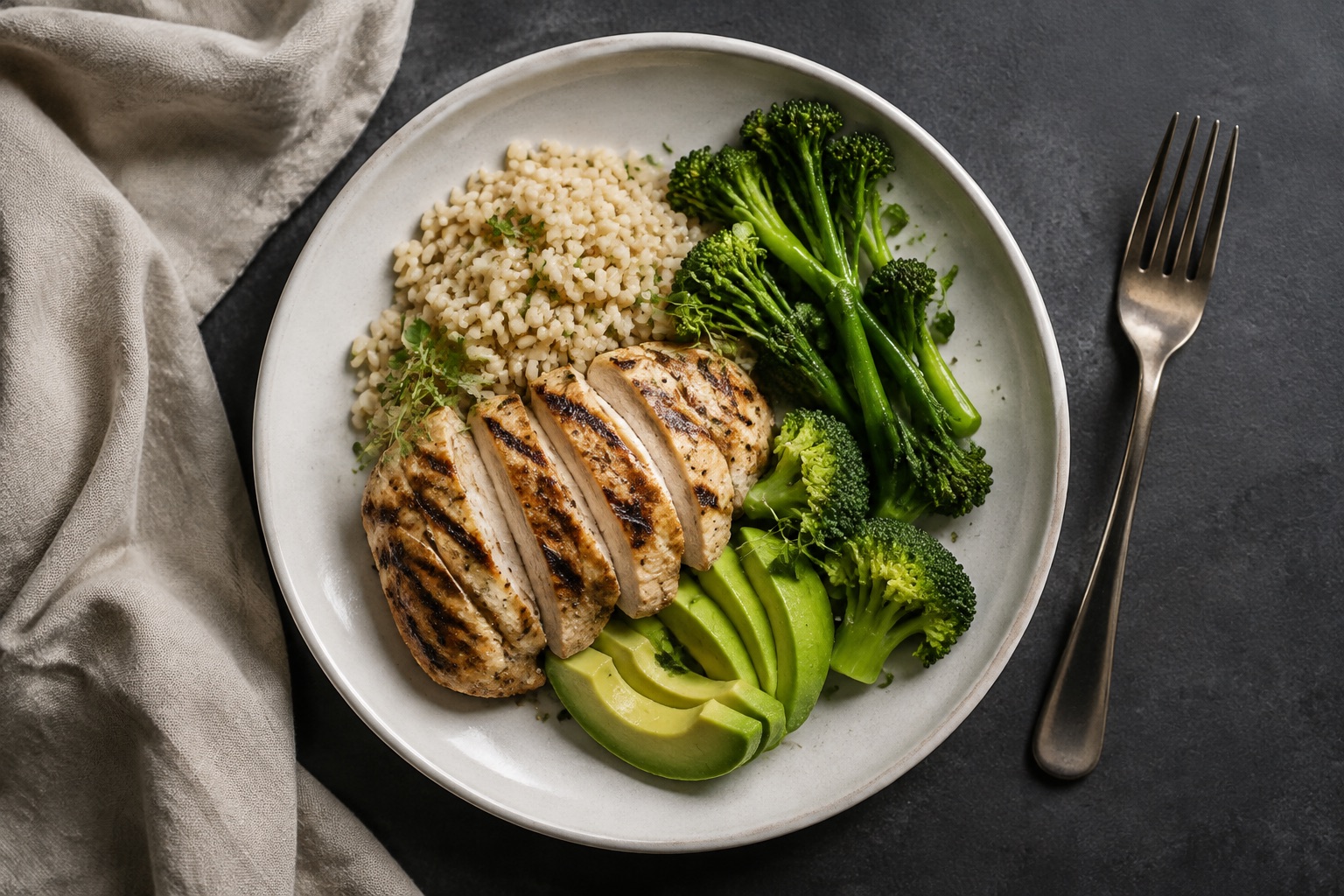
At a 2,000-calorie target, that works out to about 100 grams of protein, 67 grams of fat, and 250 grams of carbohydrate. The percentages refer to calories, not the weight or visual proportions of food on your plate. Rounding also means the displayed grams may not add back to the calorie total exactly.
This fixed split does not assess your individual protein needs, food preferences, or sport. Use it to understand the output, and discuss adjustments with a qualified nutrition professional when you need a tailored approach.
Connect the estimate to ordinary meals
Before changing everything you eat, look at a few typical days. Note meals you enjoy, when you train, and where eating becomes inconvenient. A useful first change might be planning lunch before a meeting-heavy day or having a familiar meal available after an evening workout.
If you use food labels, check the serving size before comparing calories or grams. Nutrition information usually refers to one serving, which may differ from the amount you eat. FDA’s serving-size guide explains that distinction. Tracking is optional; the calculator does not require a food log.
Review patterns with context
Keep brief notes on the things you want nutrition to support: completing workouts, managing meals around work, and feeling adequately fueled. If monitoring weight is appropriate for you, consider its trend over time alongside that context. The National Academies recommends monitoring over time and adjusting because actual energy requirements can differ from the estimate. 2023 DRI report highlights.
Do not treat a single result or one difficult training day as an automatic instruction to eat less. Bring the pattern and your questions to an appropriate professional.
Know when individual guidance matters
This general calculator excludes pregnancy, breastfeeding, and specialized nutrition needs. It withholds a loss result when BMI is below 18.5 or the proposed target is below 1,500 calories. The calorie cutoff is a tool limit, not proof that every result above it is suitable. CDC identifies BMI below 18.5 as underweight and emphasizes that BMI is a screening measure considered with other factors. CDC adult BMI categories.
If tracking food or weight is distressing, or you need nutrition care for a health condition, seek individual support from a registered dietitian or your healthcare team. For general questions about fitting meals around your workouts, bring the estimate to a coaching conversation and use it as context.
Your next step
Find the support that fits your goals and your week.
Try the calorie and macro calculatorSources & further reading
General educational information. Your training and nutrition needs are individual.